Joysticks are one of the most important equipment of any gaming device. The Stock ROG Ally X joysticks come built-in and are used by many players every day. While they handle most games well, they do have some limitations that can affect your gameplay.
In this article, we discuss the issues with the Stock ROG Ally X joysticks and how you can solve them.
Common Issues with the Stock ROG Ally X Joysticks
Gaming on the ROG Ally X feels exciting, but control matters just as much as performance. When joysticks don’t respond the way you expect, it can quickly ruin the experience.
Below are the most common issues with the stock ROG Ally X joysticks that you can notice during daily gaming:
Drift and Unintended Movements
One of the most frustrating issues with the stock ROG Ally X joysticks is drift. This happens when the character or camera moves on its own, even when you are not touching the joystick. It can feel annoying in menus and even worse during gameplay.
Drift makes aiming harder and causes mistakes you didn’t intend to make. For players who enjoy shooters or action games, this problem becomes noticeable very quickly.
Loose or Soft Joystick Resistance
Some players feel that the stock joysticks are too soft. The resistance feels light, which can lead to over-movement when you try to make small adjustments.
This is another common problem among the issues with the stock ROG Ally X joysticks, especially for players who prefer tighter control. Soft resistance may feel fine at first. But, during fast games, it can make movement feel less controlled.
Reduced Accuracy in Fast Games
Fast games need quick and controlled joystick input. When the joystick does not respond exactly the way you expect, aiming and movement will suffer. In racing games or action titles, small delays or loose movement can totally change how the game is played.
This is where many players start noticing issues with the stock ROG Ally X joysticks, especially during intense moments when precision matters most.
Thumb Fatigue During Long Sessions
Long gaming sessions can put stress on your hands. With stock joysticks, you might feel discomfort after a few hours of play. This can happen because the joystick's shape or resistance does not support long use very well.
When your thumb feels tired, your gameplay suffers too. Comfort is important, and this is one of the most important issues with the stock ROG Ally X joysticks.
Calibration Problems
Calibration helps the joystick know where the center is and how far it should move. When this is not set properly, the joystick can feel pretty wrong, even if it is brand new.
An expert gamer will notice uneven movement or small jumps that don’t feel natural. This can make games feel unpredictable and frustrating, especially when you expect better control.
Solutions to Issues with the Stock ROG Ally X Joysticks
Joystick problems can slowly ruin the gaming experience if they are not handled. The good news is that issues with the stock ROG Ally X joysticks can be fixed.
Recalibrating the Joysticks Properly
Calibration helps the joystick relearn where the center is and how far it should move. Sometimes the factory calibration is not perfect. Running the calibration again can improve the strange movement and uneven response. It does not always solve everything. Still, it can make control feel more balanced.
Adjusting In-Game Sensitivity Settings
Not every game is tuned the same way. Some games, like Doom: The Dark Ages, react too fast. Other games feel slow. Lowering or increasing sensitivity inside the game settings can help match the joystick’s behavior to your gaming style. This is a simple fix that can make aiming and movement feel more comfortable without touching the hardware.
Cleaning Around the Joystick Base
Dust and small particles usually build up around the joystick. This can affect how easily it moves. All you need to do is gently clean around the base using a soft brush or compressed air, and restore better movement.
Using Software Updates and Fixes
System updates sometimes include controller improvements. Keeping the device software updated can help reduce bugs related to joystick behavior. It is correct that updates will not fix physical wear. However, they can help with response issues linked to software.
Replacing Stock Joysticks
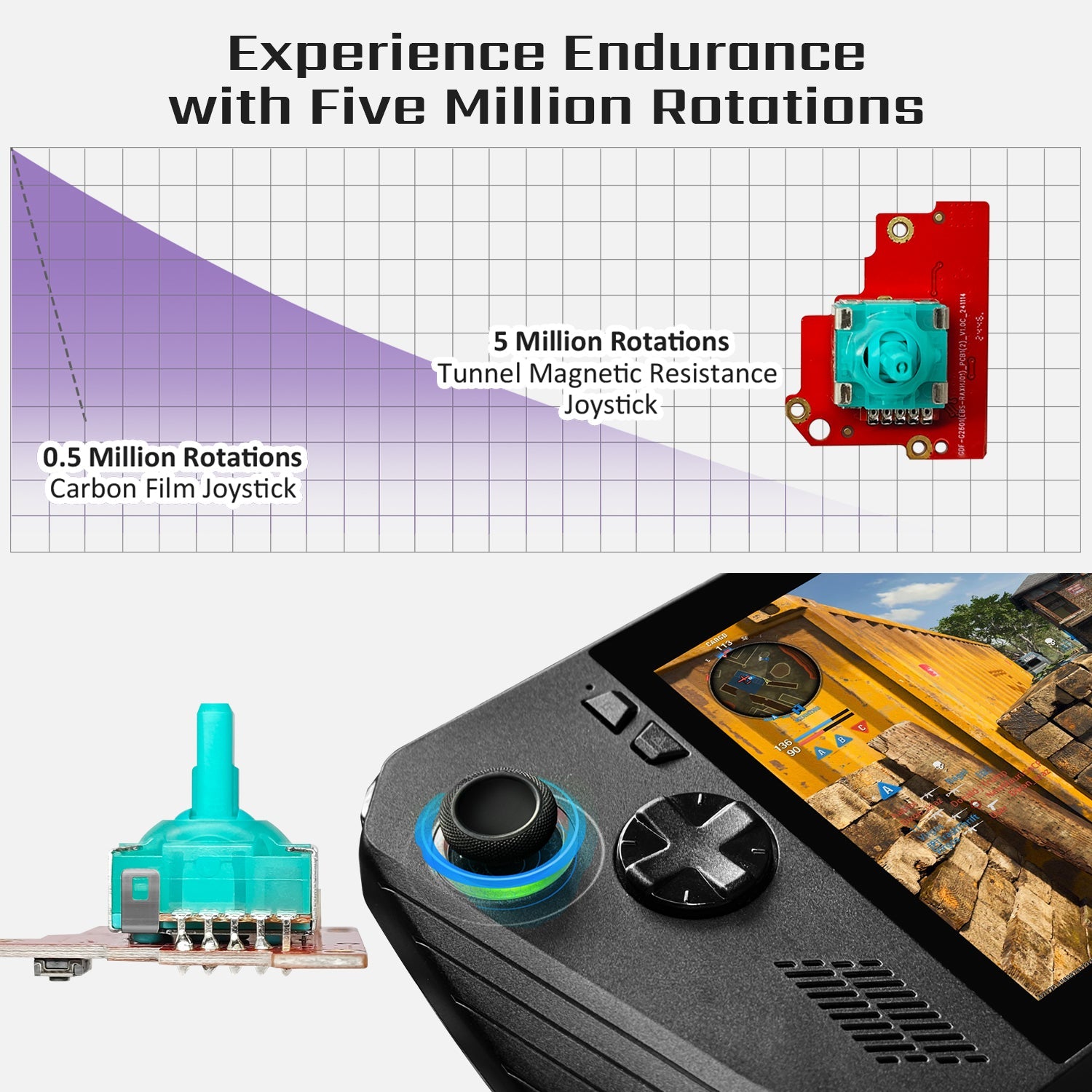
When problems keep coming back, replacing the stock joysticks is the best long-term solution. Hall effect joysticks do not depend on physical contact. That is why using them helps avoid drifting and uneven movement. For many players, getting an upgrade fully solves ongoing issues with the stock ROG Ally X joysticks and brings back better control.
Why We Recommend the HandheldDIY Hall Effect Compact Joystick
The HandheldDIY Hall Effect TMR Compact Joystick is a recommended choice if you are tired of small control problems ruining your game. It feels more controlled, does not lose its feel quickly, and works well for long gaming sessions.
The tighter version is made for players who like shooting and racing games, where stable thumb movement really matters. It is also easy to install, even if you have never changed a joystick before.
Main Features
There are many features that make our joystick the best in the market:
-
Uses TMR Hall technology, so drifting is not an issue
-
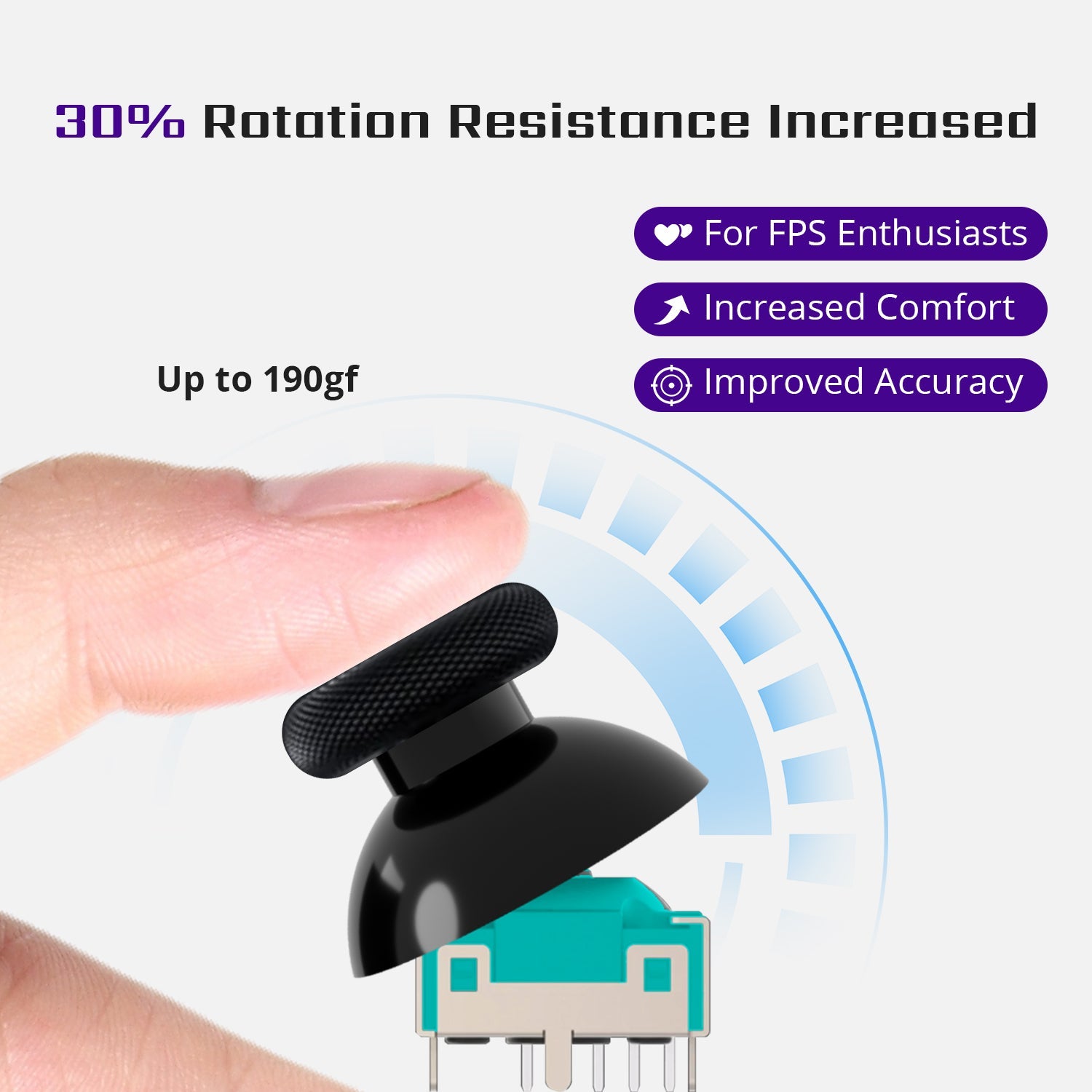
Tighter feel with about 30% more resistance for better aim
-
Very low power use, so it does not affect battery life
-
Comes with calibration keys for quick setup
-
Works with SteamOS on the device
-
No signal problems because of the upgraded internal board
-
Different bundle options like thumb grips, a cooling fan, and a carrying bag
This joystick will feel like an upgrade that makes gaming simple, not complicated. Its affordable price makes it an even better option.
Conclusion
Joysticks play a big role in how good gaming feels. Small problems can slowly ruin the experience, even on a powerful handheld. A better joystick will fix these everyday problems and make gaming more enjoyable again.
Check out our TMR Hall Effect Joystick for ROG Ally X and enjoy more control every time you play.