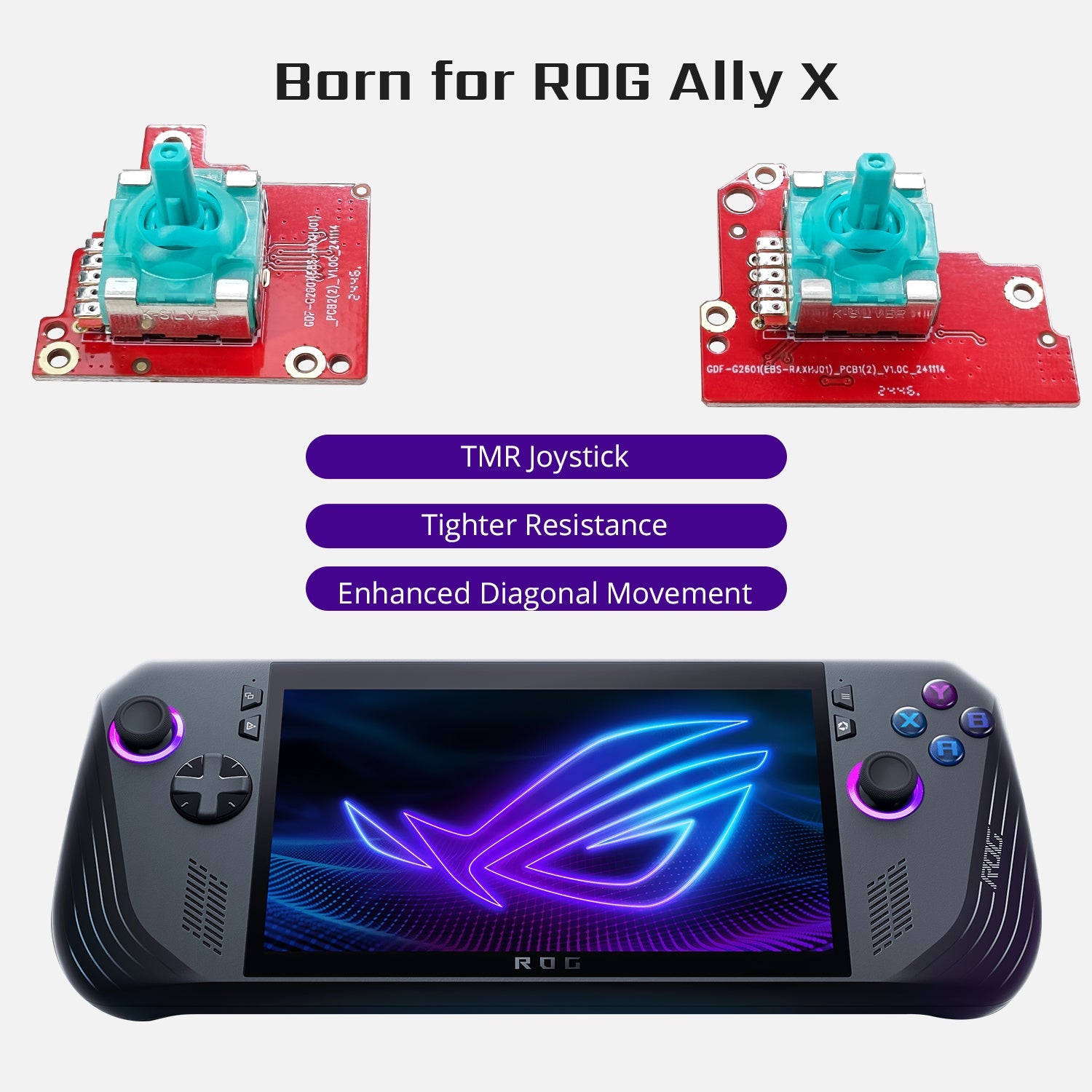

If you use the ROG Ally, you already know it can get warm quickly. A heavy game pushes the system, and the heat shows up fast. Hands feel uncomfortable. Performance can also dip.
This is why many players turn to a cooling modcase designed to manage heat during long sessions. One of the main cooling modcase benefits is better temperature control without changing how you play. In this article, we discuss how it improves the performance of ROG Ally.

Why Heat Affects ROG Ally Performance
Heat affects ROG Ally performance because the system is designed to protect itself from damage. When the device becomes too warm, it automatically reduces power to the processor and graphics unit. This process is called thermal throttling. It slows things down to lower the temperature.
The change in temperature leads to many performance issues:
-
Lower frame rates: Games may feel slower and less responsive as power is reduced.
-
Sudden slowdowns: Busy or action-heavy moments can trigger drops in performance.
-
Longer loading times: Menus and game areas may take more time to open.
-
SD card access issues: Overheating can cause the SD card reader to malfunction, which makes it hard to read or save game data properly.
Controlling the heat, which is part of the cooling modcase benefits, is the only way to maintain performance during longer gaming sessions.
How a Cooling Modcase Improves Daily Gaming
Gaming on the ROG Ally can get intense. Long sessions usually make the device quite warm. This heat makes the player uncomfortable. It can even affect how long the device lasts. A cooling modcase is designed to handle these issues, and it makes gaming much more enjoyable.
Reduces Overheating During Long Sessions
A cooling modcase replaces the stock backplate with larger vents, metal heat spreaders, and thermal pads. These features lower CPU and GPU temperatures. When this happens, it keeps the ROG Ally cooler even during demanding games. Playing for hours feels quite easier when the device stays at a safer temperature.
Prevents Performance Drops
When the console gets hot, it automatically reduces power to protect itself. This causes games to lag or drop frames. With a cooling modcase, the temperature stays lower, so the system can run at its full potential. Fast action scenes feel more responsive, and the gameplay doesn’t slow down mid-session.
Makes the Device Comfortable to Hold
Holding a warm console for a long time can be tiring. The cooling modcase benefits actually keep the surface cooler, so your hands do not get uncomfortable. You can focus on the game instead of feeling distracted by the heat.
Protects Internal Components
Heat can damage sensitive parts inside the ROG Ally, like the CPU, GPU, and battery. The cooling modcase spreads heat away from these areas and helps prevent wear for a long time. This way, the device’s lifespan is extended, and it runs longer.
HandheldDIY Cooling Modcase Benefits for ROG Ally

A gamer spends an average of 3 to 5 hours playing games every day. If you want to play long sessions without any worry or disturbance, you should invest in a cooling modcase.
Our HandheldDIY ROG Ally Modcase offers different cooling modcase benefits:
Lowers Temperature for Better Gaming

The Modcase lowers the temperature of the ROG Ally by over 10%. It keeps the CPU and GPU cooler, so games don’t slow down. You can play for hours without worrying about the device heating up or losing performance.
Built-in Heat Spreader and Silicone Pads

The Modcase has a built-in heat spreader and silicone pads that move heat away from the important parts. This makes the system more reliable during heavy gaming. Some of the main cooling modcase benefits include:
-
Less lag in big action scenes
-
Better overall device performance
-
Prevents any chance of overheating
Hands-Free Gaming with Kickstand
Our aluminum alloy kickstand lets you place the ROG Ally on a table and play without holding it all the time. It even has a silicone strap to attach a power bank, so you can charge while playing. This will make long sessions more comfortable.
Improves CPU Performance

Keeping the ROG Ally cooler with our Modcase helps the CPU work better. Games run faster, and action scenes feel smoother. There are also many fewer slowdowns.
Players, including popular YouTuber Santiago, have noticed up to 17.9% better performance in heavy games. This means you can play longer gaming sessions without any interruptions.
Personalized Nameplate Option
The HandheldDIY ROG Ally Modcase comes with a customizable aluminum nameplate. You can add your name, gaming tag, or any text you like to give your console a unique and personal touch. It is a simple way to make your device stand out and show off your style while gaming.
How to Install the Cooling Modcase for ROG Ally
One of the cooling modcase benefits is that you can install it easily in a few simple steps. Take your time and make sure your device is powered off before you begin.
Prepare Your ROG Ally
Before starting, turn on your ROG Ally and let the battery drop below 25%. After that, fully power it off and unplug all cables. Remove the microSD card to avoid any issues during installation.
Remove the Original Back Cover
Use a screwdriver to unscrew the six screws on the back of the device. Gently pry open the back cover and remove it. Once the original back case is removed, the ROG Ally will automatically turn off. This is normal.
Take Out Triggers and Buttons
Carefully take out the left and right triggers. After that, remove the buttons slowly and keep them in a safe place.
Place the Silicone Pads and Heat Spreader
Place the silicone pad directly on the heat spreader. If needed, put the silicone cover on the “+” column for a better fit. This step helps improve cooling performance.
Attach the Modcase and Screw It In
Align the ROG Ally Modcase with the handheld and place it properly. Insert and tighten all the screws securely, but do not over-tighten them.
Power On and Test Your Device
After installation, connect the ROG Ally to a charger to activate it. Power it on and make sure everything is working correctly before playing games.
Conclusion
Gaming feels better when your ROG Ally stays cool and comfortable. The cooling modcase benefits will help you enjoy longer sessions without heat ruining your games. Buy the HandheldDIY ROG Ally Modcase to upgrade your setup and have fun playing.